
Difference Between WordPress Designer and Developer
WordPress Designer vs Developer: When building a website, many people get confused between a WordPress designer and a WordPress developer. While both play important roles, their responsibilities and skill sets are quite different. Understanding the difference between WordPress designer and developer helps you hire the right professional for your project.
What is a WordPress Designer?
A WordPress designer focuses on the visual appearance and user experience of a website. Their main goal is to make the website look attractive and easy to use.
Key Responsibilities of a WordPress Designer
- Creating website layouts and design
- Choosing colors, fonts, and images
- Designing user-friendly interfaces
- Customizing themes
A WordPress designer ensures that your website looks professional and aligns with your brand identity.
What is a WordPress Developer?
A WordPress developer handles the technical side of the website. They build the structure, functionality, and performance of the site.
Key Responsibilities of a WordPress Developer
- Developing custom themes and plugins
- Writing code (PHP, HTML, CSS, JavaScript)
- Improving website speed and performance
- Ensuring security and functionality
A WordPress developer makes sure your website works smoothly and supports advanced features.
Key Difference Between WordPress Designer and Developer
1. Focus Area
- WordPress Designer → Focuses on design and user experience
- WordPress Developer → Focuses on functionality and performance
This is the main difference between WordPress designer and developer.
2. Skill Set
- Designer → UI/UX design, graphic tools, creativity
- Developer → Coding, debugging, technical problem-solving
The difference between WordPress designer and developer is clear in their technical expertise.
3. Tools Used
- Designer → Design tools like Figma, Photoshop
- Developer → Code editors, frameworks, and development tools
Each role uses different tools to achieve their goals.
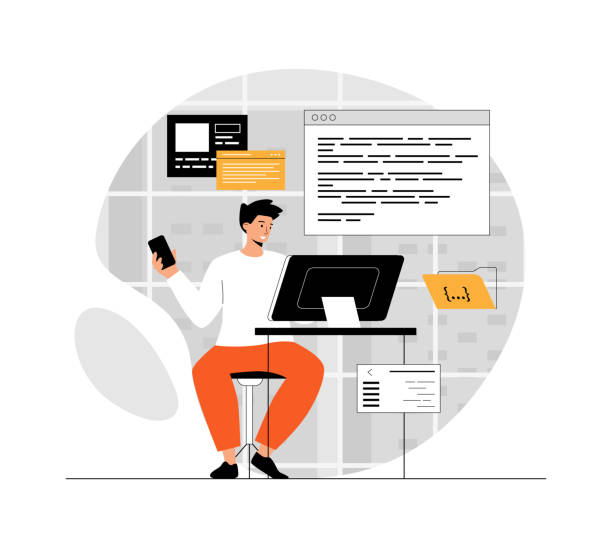
4. Role in Website Development
- Designer → Creates the look and feel
- Developer → Builds and maintains functionality
Both roles are important, but they serve different purposes.
5. When to Hire
- Hire a WordPress designer when you need a visually appealing website
- Hire a WordPress developer when you need custom features or technical support
Understanding this difference between WordPress designer and developer helps in better decision-making.
Do You Need Both?
In many cases, yes. A complete website requires both design and development.
- Designers create the visual concept
- Developers turn that design into a working website
For small projects, one person may handle both roles, but for professional websites, it’s better to have specialists.
Which One is Right for You?
Choose based on your needs:
- Want a beautiful website → Hire a designer
- Need advanced functionality → Hire a developer
- Need both → Hire a team or agency
Knowing the difference between WordPress designer and developer ensures you invest in the right expertise.
Conclusion
The difference between WordPress designer and developer lies in design vs functionality. Both are essential for building a successful website.
A designer focuses on how your website looks, while a developer ensures it works perfectly. For the best results, combining both skills can help you create a powerful and engaging website.
If you are looking for expert WordPress services, connect here:
https://digitor.in/contact/
For more insights into India’s digital ecosystem, visit:
https://nasscom.in
Explore more related articles to deepen your understanding
Best Fonts for Branding: Create a Lasting Visual Identity
SEO Content Writing: A Complete Guide for BeginnersDoes Google use Cloudflare
Content Writing Basics: A Beginner’s Guide to Effective Writing